
Below are the steps to do the Factory Reset of a HootBoard Ready Kiosk based on HootBoard OS.
- Connect the provided USB keyboard to your kiosk.
- On the keyboard, press CTRL + ALT + Right Arrow simultaneously.
- This will open a keypad on the screen to enter a numeric passcode. Please ask your support person for your screen OS passcode.
Important Note: Please note that this passcode cannot be entered via. the keyboard and you will have to enter it slowly using the touch interface. - Once you have successfully logged in, you shall see the following Administrator Dashboard.
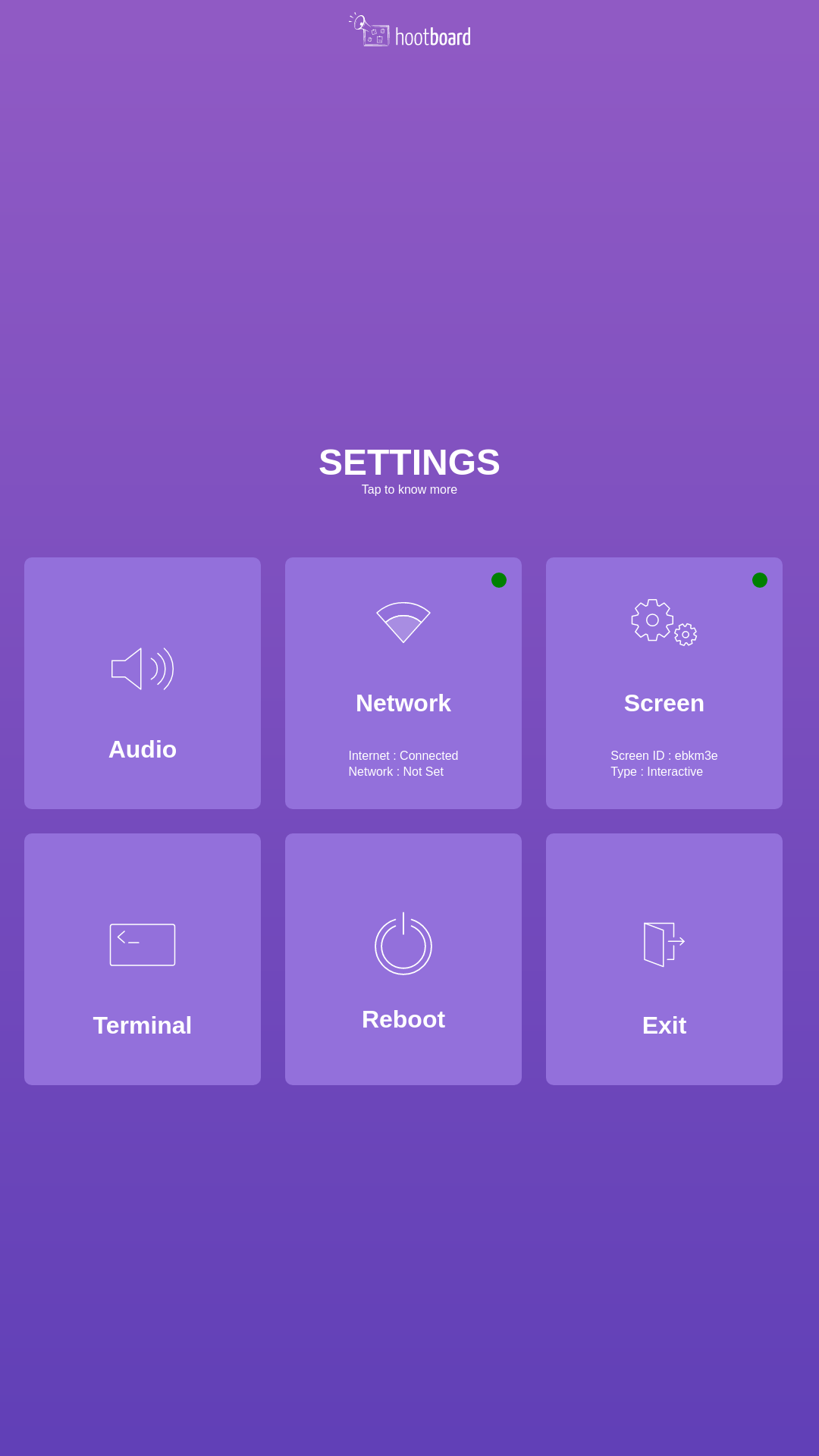
- Open Terminal and type the following commands to clear the Screen-Id and Wifi network.
Clearing screen Id:
curl -X DELETE http://localhost:3000/api/screenId
Clearing WiFi network Info:
sudo rm -rf /etc/NetworkManager/system-connections/*
- Once done, close terminal and hit Reboot. Remove the keyboard from the USB before the machine reboots.
Comments
0 comments
Article is closed for comments.